
How to Prepare Your PC for GTA 6
A practical guide to preparing your PC for GTA 6 — which hardware to upgrade, what to wait on, and how to optimize Windows before the PC launch.

How to Prepare Your PC for GTA 6
GTA 6 is not coming to PC on day one. November 19, 2026 is a console-only launch, and based on Rockstar's history with both GTA 5 and Red Dead Redemption 2, the PC version is most likely landing in late 2027 — somewhere between twelve and eighteen months after consoles. That is actually good news if you are a PC player, because it means you have time. Time to plan, time to save, time to upgrade intelligently rather than reactively, and time to make sure your machine is ready well before the game's official PC system requirements are announced.
This guide covers everything: how to assess where your current PC stands, what hardware to prioritise upgrading, how to time those upgrades sensibly, and how to prepare your software and operating system so that when GTA 6 lands on PC, you are not spending your first evening troubleshooting rather than playing.
Step One: Understand What GTA 6 Is Actually Going to Demand
Before you spend a penny on hardware, you need to understand why GTA 6 is harder to run than its predecessor — and the answer is not simply "better graphics."
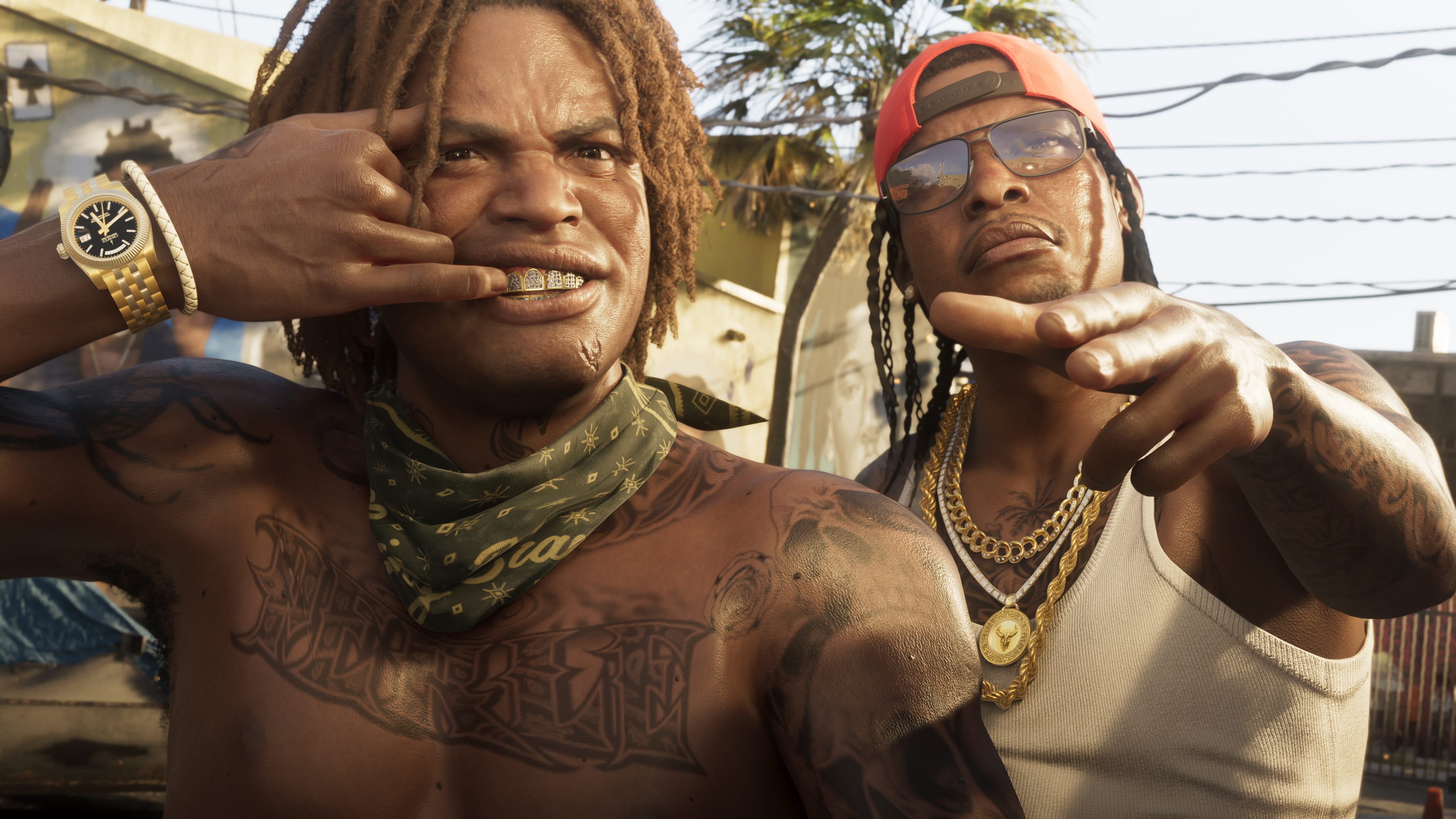
GTA 6 runs on RAGE 9, the latest version of Rockstar's in-house engine. Unlike RAGE 7, which powered GTA 5, RAGE 9 uses ray-traced global illumination not as an optional toggle but as the foundational way the game renders light. Digital Foundry confirmed from the trailers that this lighting model is baked into how the game's world looks — it cannot be turned off the way ray tracing is optional in Cyberpunk 2077 or Control. That means even at minimum settings, your GPU is doing work that GTA 5 never asked of it.
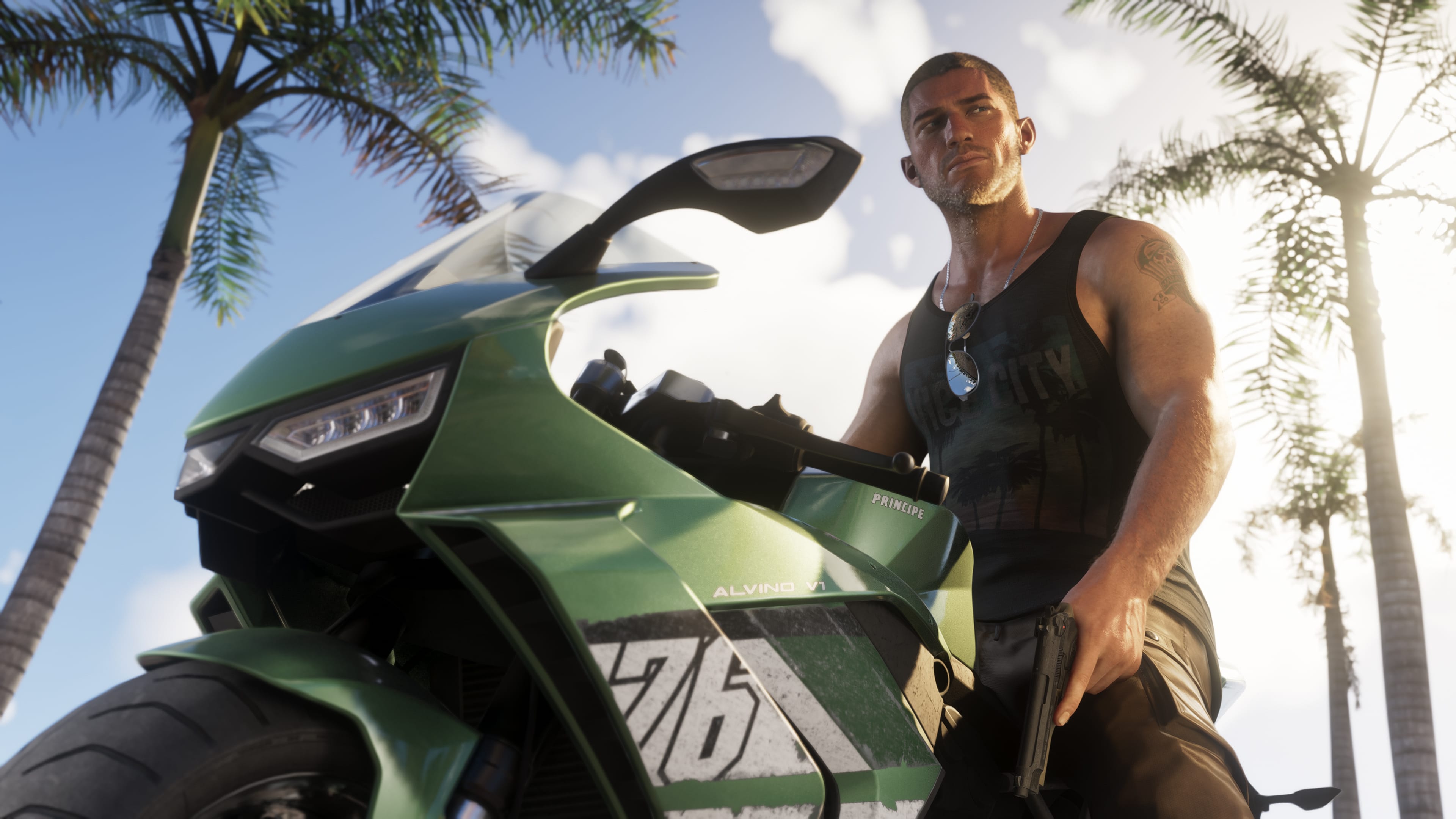
Beyond graphics, the game is expected to be unusually CPU-intensive. Vice City's density — hundreds of NPCs with individual AI routines, vehicles with independent pathfinding, a weather system that dynamically affects NPC behaviour — all of that simulation runs on your processor. GTA 5 could run adequately on a quad-core CPU from 2012. GTA 6 almost certainly cannot.
Then there is asset streaming. The map is reportedly multiple times larger than Los Santos, with high-resolution textures loaded dynamically as you move through the world at speed. This process is extremely sensitive to storage speed — an old spinning hard drive simply cannot feed data to the GPU fast enough, producing the texture pop-in and hitching that makes large open worlds unplayable.
Keep these three things in mind as you assess your hardware: GPU ray tracing capability, CPU core count and single-threaded performance, and storage speed.
Step Two: Assess Your Current PC
Before upgrading anything, you need an honest picture of where you stand. Run a few current demanding games — Cyberpunk 2077 with path tracing, RDR2 at max settings, or Assassin's Creed Shadows — and pay attention to what limits you. Use MSI Afterburner, HWiNFO, or any GPU overlay to monitor:
- GPU usage — if it is consistently above 95%, your GPU is the bottleneck
- CPU usage — if one or more cores are consistently maxed while GPU usage is moderate, your CPU is the bottleneck
- VRAM usage — if it is regularly hitting your card's maximum, you will need more
- RAM usage — if your system RAM is regularly hitting 15GB+ in demanding games, 16GB is not enough
- Storage speed — if you are still running game installs off an HDD, this is a problem regardless of everything else
Be honest about what you find. People tend to assume the GPU is always the bottleneck, but in open-world games with dense NPC and traffic systems — which GTA 6 is going to be at an unprecedented scale — the CPU matters as much as the GPU.
Step Three: The Hardware Priority List
Not all upgrades are equal in terms of impact per pound or dollar spent. Here is the honest priority order for GTA 6 readiness.
Priority 1: Move to an NVMe SSD (If You Haven't Already)
This is the single upgrade that will make the most difference at the lowest cost, and it is non-negotiable for GTA 6. An NVMe SSD is not going to be a recommendation for this game — it will almost certainly be a hard minimum requirement.
If you are still running games off a traditional spinning hard drive, buy an NVMe SSD before anything else. A 2TB Gen 4 NVMe drive costs around £80–£120 depending on brand and current pricing, and the impact on loading times, texture streaming, and overall system responsiveness is dramatic. GTA 6's map is expected to be between 150GB and 200GB when installed, and it will require constant, fast data reads as you move through the world. An HDD is not capable of that. Not even close.
If you already have an SATA SSD but not NVMe, consider whether an upgrade is worth it. SATA SSDs are significantly faster than HDDs but meaningfully slower than NVMe. For most games the difference is modest, but for GTA 6's asset streaming demands — particularly with DirectStorage potentially bypassing the CPU and feeding data directly to the GPU — NVMe is the right target.
Priority 2: RAM — Get to 16GB, Target 32GB
GTA 5 could limp along on 8GB of system RAM. Those days are over. 16GB is the absolute floor for GTA 6, and hardware analysts studying the game's predicted demands consistently recommend 32GB for a smooth experience, particularly in dense urban environments where the NPC simulation, traffic systems, and asset streaming are all running simultaneously.
If you are on 8GB, upgrading to 16GB is one of the cheapest meaningful upgrades in gaming right now — DDR4 16GB kits cost very little and the impact is immediate. If you are already on 16GB, 32GB is a sensible target before the PC launch, particularly if you run background applications like Discord, a browser, or streaming software while gaming.
Make sure your RAM is running at its rated speed, not the default JEDEC speed. Most motherboards default to running RAM slower than its rated frequency until you enable XMP or EXPO in the BIOS. This is a free performance upgrade that many people never make.
Priority 3: The GPU — The Most Expensive and Time-Sensitive Decision
This is where the most money gets spent and the most confusion exists. Here is the honest guidance:
If you are on a GTX 1060, 1650, or older: These cards are likely below the minimum threshold for GTA 6. The primary issue is VRAM — the GTX 1060 has 6GB, the 1650 has 4GB, and GTA 6's high-resolution textures will demand at minimum 8GB of VRAM to function without persistent stuttering. An upgrade is required before the PC launch.
If you are on an RTX 2060, GTX 1660 Super, or RX 5700: You are around the predicted minimum. You will be able to run the game at 1080p on Low-to-Medium settings with upscaling enabled. This is playable but not ideal. Consider an upgrade if you want anything above minimum settings, but do not rush — the hardware market will look different by the time the PC version launches.
If you are on an RTX 3060, RTX 3070, or RX 6700 XT: You are in a reasonable position for 1080p at High settings with DLSS or FSR. 1440p will require settings compromises. Ray tracing will be limited or disabled. This tier will be capable but not comfortable.
If you are on an RTX 4070, RTX 4080, or RX 7900 XT: You are well positioned. 1440p Ultra is realistic. 4K with DLSS Quality mode is achievable. You probably do not need to upgrade specifically for GTA 6 unless you are targeting 4K native or maximum ray tracing.
The timing recommendation: Do not buy a GPU specifically for GTA 6 right now unless you genuinely need one for other games immediately. The RTX 50-series from NVIDIA is already on shelves, and by late 2027 — when the PC version arrives — the mid-range tier of those cards will likely be cheaper than current prices. The RTX 5060 or 5070 at late-2027 pricing will likely offer better value than anything you buy at current prices. If you need to game now on other titles, buy what suits your budget today. If your sole concern is GTA 6, wait.
Priority 4: The CPU — The One People Underestimate
As noted above, GTA 6's world simulation is going to be unusually CPU-demanding. Quad-core processors are effectively dead for this game. If you are running a four-core chip from 2018 or earlier, no GPU upgrade will save you in Vice City's busy downtown areas — the CPU will become the bottleneck and frame rates will tank regardless of what your GPU is doing.
The baseline recommendation is a minimum of six cores, with eight strongly preferred. AMD's X3D chips — particularly the Ryzen 7 7800X3D — deserve a special mention here. Their large L3 cache handles the constant data-fetching demands of an open-world game exceptionally well, and benchmarks on games with heavy world simulation consistently show X3D chips outperforming equivalently-clocked non-X3D options significantly. If you are building or upgrading a gaming PC in 2026 with GTA 6 in mind, an X3D chip is the CPU recommendation.
Intel's current Core Ultra range and AMD's Ryzen 9000 series are both strong options for the recommended tier. If your existing CPU is a Ryzen 5 5600 or Intel Core i5-12th gen or newer, you are likely fine for now and can reassess when official requirements drop.
Step Four: Upgrade Your Operating System
GTA 6 on PC will almost certainly require Windows 10 or Windows 11. If you are still on Windows 10, consider this the moment to migrate. Windows 11 offers several features that matter specifically for demanding open-world games:
DirectStorage: Windows 11's DirectStorage allows games to load assets directly from the NVMe SSD to the GPU, bypassing the CPU. This dramatically reduces loading times and, more importantly for GTA 6, enables faster real-time asset streaming during play. To verify your system supports it, press Win + G, go to Settings → More Settings → Gaming Features, and check for "DirectX 12 Ultimate ready" and "DirectStorage supported."
Hardware-Accelerated GPU Scheduling (HAGS): This feature allows the GPU to manage its own memory more efficiently by reducing CPU overhead in the scheduling process. Enable it in Settings → System → Display → Graphics → Change default graphics settings. It is not always beneficial on every system — benchmark before and after — but on most modern hardware with current drivers it provides small but genuine gains.
Game Mode: Settings → Gaming → Game Mode should be On. When active, Windows prioritises CPU and GPU resources for the foreground game and suspends or limits background tasks. It is a simple toggle that costs nothing and helps.
Step Five: Optimise Your Windows Installation
Software optimisation is not a substitute for hardware, but it is free and genuinely impactful. These are the changes worth making:
Update your GPU drivers — properly. Do not rely on Windows Update for GPU drivers. Go directly to NVIDIA's or AMD's website, download the latest Game Ready or Adrenalin driver, and install it fresh. If you have been layering driver updates over old ones for years and are experiencing instability, use Display Driver Uninstaller (DDU) in Safe Mode to perform a clean wipe first, then install the new driver on a clean foundation. DDU is the gold standard for resolving driver-related performance issues.
Set your Power Plan to High Performance or Ultimate Performance. Windows defaults to a balanced power plan that allows the CPU to downclock when it detects low load. In an open-world game where the CPU is constantly being asked to simulate a dense city, that downclock behavior can cause frame rate stuttering. Go to Control Panel → Power Options → High Performance. For Maximum Performance (which unlocks additional CPU headroom), open PowerShell as Administrator and run: powercfg -duplicatescheme e9a42b02-d5df-448d-aa00-03f14749eb61, then select the resulting scheme in Power Options.
Disable VSync in the NVIDIA or AMD control panel globally, and instead manage it at the in-game level or with adaptive sync. Global VSync adds input latency and is less efficient than per-game management.
Clean up startup applications. Open Task Manager → Startup Apps and disable anything you do not need on boot. Every launcher, updater, and background process that starts with Windows is consuming RAM and CPU that your game could be using. Rockstar Launcher will need to run to play GTA 6, but Spotify, OneDrive sync, Epic Games Launcher, Discord auto-start, and browser sessions can all be handled manually rather than running by default.
Disable the Discord overlay. This deserves specific mention because it is one of the most consistent causes of framerate drops and stuttering that players incorrectly diagnose as hardware problems. In Discord settings → Overlay → disable "Enable in-game overlay." You can still use Discord while gaming — just not the overlay itself.
Keep your SSD healthy. Modern SSDs perform worst when they are nearly full. Aim to keep at least 15–20% of any drive free. GTA 6 will require 150–200GB of install space — make sure that space exists before launch day, ideally on your fastest NVMe drive.
Step Six: Sort Your Internet and Platform Setup in Advance
GTA 6 will launch with a large day-one update, and the base game installation will be substantial. Preparing your internet and platform setup avoids the frustration of a slow launch day.
Check your internet speed. A 200GB download at typical home broadband speeds can take many hours. Know your approximate download time and plan around it — ideally starting the download overnight rather than on the evening you want to play.
Wired over wireless, always. For a game with an online component as significant as GTA Online was, a wired Ethernet connection is strongly preferable to WiFi. It reduces latency, eliminates wireless interference drops, and provides more consistent bandwidth. If you cannot run a cable to your router, a powerline adapter is a significant improvement over most WiFi solutions.
Decide on your platform. GTA 6 is expected to launch on the Rockstar Launcher and Steam, based on Rockstar's pattern with GTA 5 and RDR2. Both work fine. Steam offers slightly better integration with system overlays and community features. The Rockstar Launcher is required regardless of where you purchase — GTA 5 on Steam still requires the Rockstar Launcher to run.
The Timing Summary
The honest guidance, consolidated:
Do now: Upgrade to an NVMe SSD if you do not have one. Upgrade to 16GB RAM minimum if you are below that. Update Windows to 11. Update GPU drivers. Enable DirectStorage, Game Mode, and HAGS. Set your power plan correctly. Clean up your startup applications.
Wait until official requirements drop: Major GPU and CPU upgrades. Rockstar will announce official PC system requirements before or alongside the PC version announcement, which is expected sometime in 2027. Those requirements will tell you exactly where you stand without the need for speculation. By that point the hardware market will also have shifted — RTX 50-series cards will be at mature pricing, and better value options will exist compared to what is available today.
Do not panic. The PC version is at minimum a year away from the console launch. You have time. Use it.
GTA 6 releases on PS5 and Xbox Series X|S on November 19, 2026. No official PC release date or system requirements have been confirmed by Rockstar Games. All hardware recommendations in this article are based on predicted system requirements from industry analysis. This article will be updated when official PC specs are announced.
Written by
Erdousky · Founder & EditorLifelong gamer, longtime GTA player, and the sole writer here. Has built a handful of small unpublished games, which is mostly what makes the technical side of Rockstar's work so interesting to write about.
Comments
Be the first to comment.
Related Articles
GTA 6 Map Guide: Every Confirmed Location, District, and Landmark in the State of Leonida
The complete GTA 6 map breakdown — Vice City districts, Port Gellhorn, Grassriver swamplands, Gator Keys, Leonida State Penitentiary, 700+ enterable buildings, law enforcement zones, and how the map compares to GTA 5.
GTA 6 Vehicles and Physics Upgrade: Every Confirmed Car, Bike, and Customization Feature
Want to know how driving changes in GTA 6? Here is every confirmed car, the massive RAGE engine physics upgrade, and Ride Out Customs explained.
GTA 6 Online vs GTA 5 Online: Every Confirmed Difference That Actually Matters
GTA 6 Online vs GTA 5 Online: bigger map, smarter NPCs, Shark Cards returning, and a December 2026 launch. Here's every confirmed difference that matters.